
Claude has a brain.
Give it hands.
A one-page map of the five MCP connections
worth adding to Claude Code first.
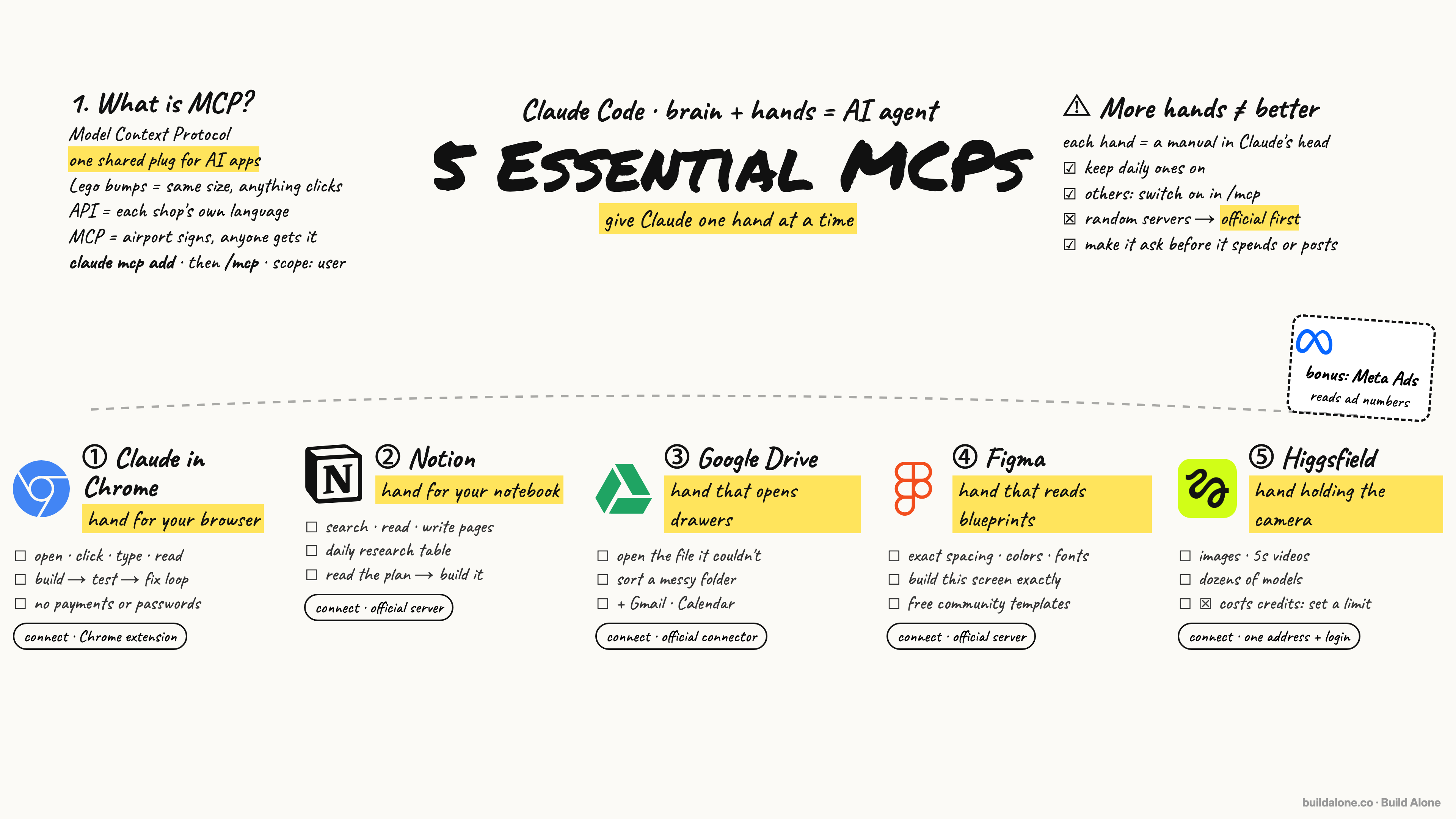
One line.
Then check /mcp.
Add a connection with claude mcp add, then type /mcp inside Claude Code to see every hand you’ve got and approve any logins. Use --scope user so it works in all your projects.
claude mcp add <name> <address> --scope user

# then, inside Claude Code:
/mcp
Start with the app
you open the most.
Plus a bonus: a Meta Ads MCP that pulls your campaign numbers.
Claude in Chrome · The hand for your browser
Open pages, click, type, read the screen. Build, then test every button, then fix. Never payments or passwords.
Notion · The hand for your notebook
Search, read and write pages and databases. Plan in Notion, build in Claude Code.
Google Drive · The hand that opens drawers
Open the file Claude couldn’t, sort a messy folder. Gmail and Calendar work the same way.
Figma · The hand that reads blueprints
Exact spacing, colors, fonts and components instead of guessing from a screenshot.
Higgsfield · The hand holding the camera
Images and short videos from dozens of models. It spends credits, so set a limit.
Two rules
Keep the hands you use every day connected and switch the rest on only when you need them. And prefer official servers run by the company itself; make Claude ask before it spends, posts or sends anything for you.
A companion to Build Alone Episode 05.